


For Moodle administrators in European education, video management often comes with a side of compliance anxiety. If you’re running a learning platform, you’re also responsible for sensitive data. Add video to the mix, and you quickly need clear answers on hosting, access, and data residency, especially for organisations handling EU user data.
The good news is that you do not need a complex new system to solve this. You can keep Moodle at the centre and let Streamio and Media Time handle the parts they are designed for.
Keep Moodle as your learning hub
Moodle is built to be the heart of your learning environment. It organises courses, users, roles and activities so that course creators, teachers, and students have a clear structure to work in.
Video fits into that structure, but it is not always efficient to let Moodle handle everything related to media. Large video files put extra pressure on storage and performance. Over time, it is easy to end up with multiple copies of the same file across different courses, making updates and governance more difficult.
Rather than trying to turn Moodle into a full video platform, it makes more sense to let it stay focused on what it already does well: the place where learning happens.
Where Streamio fits
Streamio is part of the stack that handles video hosting, delivery and protection.
Streamio is developed, operated and hosted in Sweden. For organisations working under GDPR, this makes it easier to answer a key question: where does our video data live, and who is responsible for it?

On top of that, Streamio is designed for easy and professional playback. There are no ads and no third‑party tracking scripts in the player. Automatic subtitles and accessibility features help you move towards WCAG 2.1 AA without turning every upload into a separate project.
Bring video into Moodle with Media Time
Course creators and teachers still want video to work seamlessly and to feel like a part of Moodle. This is where the Media Time plugin comes in.
The Media Time plugin for Moodle connects Moodle to your chosen video host and provides a media library within the LMS.
Instead of uploading large files directly into courses, staff can browse and search a central library, then embed Streamio videos where they are needed. Please note that Media Time is currently a release candidate, and bdecent is actively adding features and expanding its capabilities.
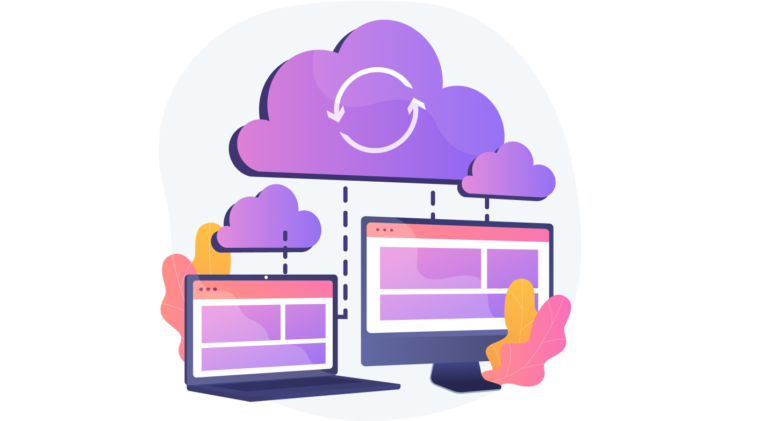
Media Time supports several platforms through its multi‑platform support, including Streamio. When connected to Streamio, the video stays in Streamio, and Media Time makes it easy to use in Moodle.
For course creators, this feels like a normal part of course editing. They stay in Moodle, pick a video from the Media Time library and place it in the right section or activity. For administrators, it means fewer duplicates, clearer media ownership, and a direct link between what is shown in Moodle and what is stored in Streamio.
A simple workflow
A common pattern is for a course creator or teacher to record a short course introduction and upload it to Streamio rather than Moodle. Captions are generated, settings are applied, and the video has a clear home.
Media Time can then display that Streamio video in its Moodle library, ready to embed where needed. When they edit the course, they select the video from the library and place it on the course page. Students watch it where they expect, without leaving Moodle.
Later, someone else can reuse the same video in a related course. If the introduction needs an update, it is changed once in Streamio and every course using it shows the new version. This simplifies version control and makes it much easier to answer where a specific video lives and who controls it.
How this helps compliance, educators, and IT teams
For compliance and data protection teams, the main benefit of this stack is clarity. Streamio handles video hosting and related data in accordance with Swedish and EU law. Media Time connects that hosting layer into Moodle without creating new copies of the files, and Moodle remains the system of record for courses and users.
For teachers and course designers, the benefit is ease of use. They work with a library within Moodle and do not have to worry about file sizes, storage limits, or external links.
For IT managers, it is a way to improve performance and governance without disrupting existing courses. You can start small with one department, route new videos through Streamio and Media Time, and move older content over time.
If you want video in Moodle to be easier to manage and easier to explain from a GDPR point of view, this is a practical way to get there.